Can You Date on DatingWaitlists? How It Actually Works
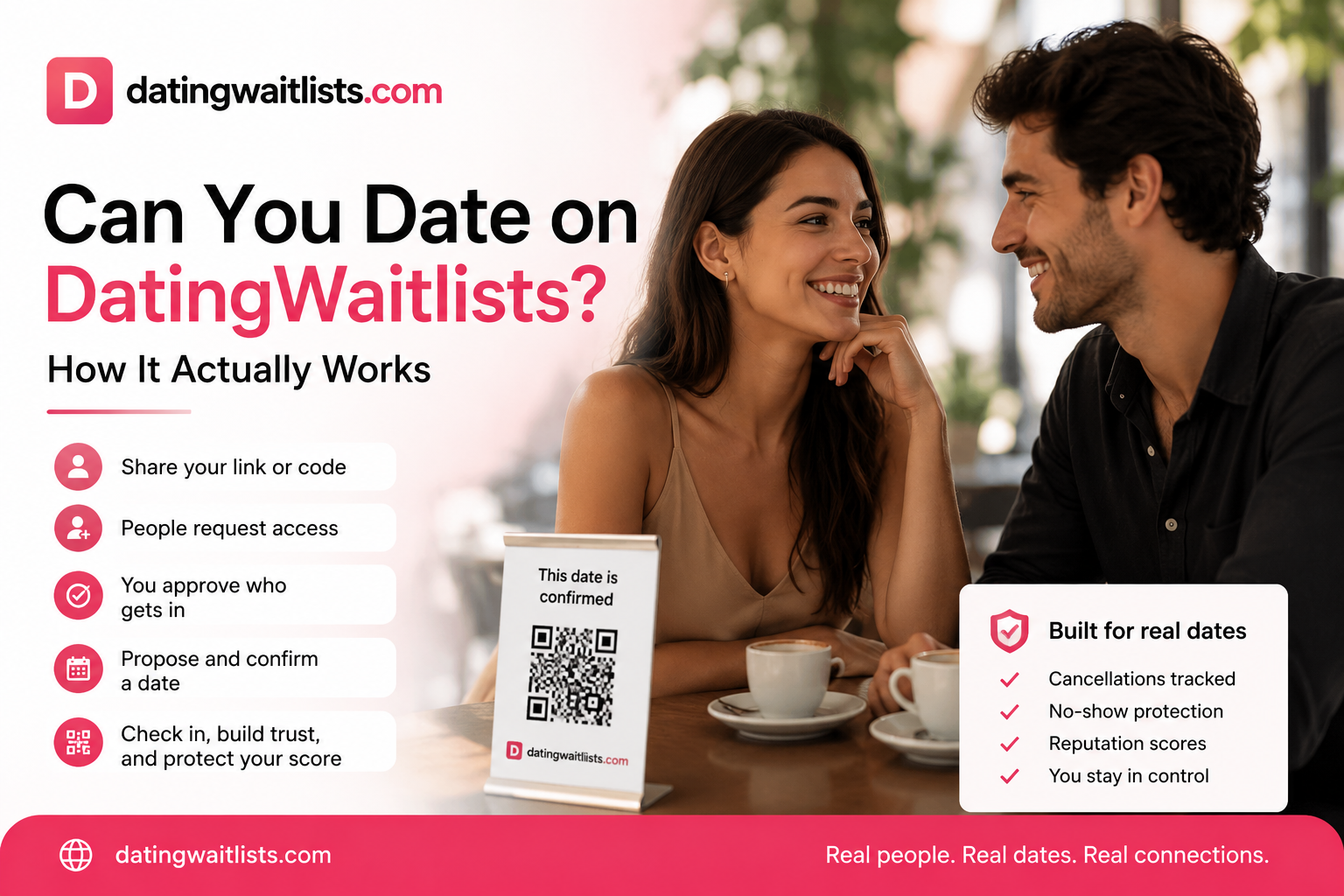
If you have landed on DatingWaitlists and wondered, "Can I actually date here?" — the short answer is yes. But it works differently than the dating apps you are used to.
DatingWaitlists is not a place to swipe through strangers. It is a personal dating waitlist: a private profile you share with people you already know, or people who find your link through your social bios, group chats, or dating apps. They express interest. You decide who gets access. When you are ready, you move the conversation toward a real date.
Here is how dating actually happens on DatingWaitlists, from setup to the first meeting.
How dating works on DatingWaitlists
1. Create your profile
You start by picking a username and building a profile that shows who you are. Add photos, a short bio, your location, and what you are looking for. This profile is yours — it is not thrown into a public feed.
2. Get your unique code
Every profile gets a unique code and a short link. This is the key to your waitlist. Share it however you want: in your Instagram bio, on Tinder, in a WhatsApp group, or directly with someone you are curious about.
3. People request access
When someone has your code, they can view your full profile and send you a date request. If they do not have the code, they see a limited preview and can join your waitlist. You stay in control of who gets in.
4. You approve or decline
Requests land in your incoming dates section. You review the message, check the profile, and decide whether to accept. There is no pressure to match with everyone.
5. Propose a date and location
Once accepted, either person can propose a date, time, and location. If the place is not set yet, the other person can confirm it or suggest a new one. For custom waitlists with flexible time, you can propose date and time options and chat about it.
6. Chat inside the request
Every request has its own chat thread. Proposals, counter-proposals, cancellations, and status updates all appear in the conversation, so the context stays in one place.
7. Confirm and meet
When both sides agree on the details, the date is confirmed. You both get a confirmation page and a reminder of the plan. If plans change, you can cancel or report a no-show, which builds a reputation score over time.
Why use the code instead of a public profile?
The code is the core of the system. It lets you:
- Share selectively — post the link publicly, but only people who actually use it can reach you.
- Filter by intent — someone who requests access has already shown real interest, not just a swipe.
- Protect your privacy — your full profile is not visible to random visitors.
- Keep control — you approve every request individually.
What about cancellations, no-shows, and safety?
DatingWaitlists has built-in accountability:
- Cancel a date — either side can cancel before the meeting, with a clear countdown.
- No-show reporting — if someone does not show up, you can mark it, which affects their dating reputation.
- Block or unblock — you can block a user at any time.
- Free-user cooldowns — free users have a 72-hour cooldown between waitlist slots, which reduces spam and abuse.
- Auto-expiration — stalled date proposals and inactive waitlist entries expire automatically so your list does not fill with dead leads.
The date QR code: why checking in matters
Every confirmed date on DatingWaitlists gets a unique QR code. When you meet, one of you opens the check-in page and the other scans it. It takes a few seconds and it protects both of you.
Here is why using the QR code matters:
- It confirms the date happened. Without a check-in, the platform cannot verify that you actually met. That leaves room for false reports.
- It keeps your reputation score normal. If someone reports you as a no-show but you did show up, the QR code check-in is proof. Without it, your score can drop unfairly.
- It builds trust. People are more likely to accept dates with users who consistently check in, because it shows the date was real and both sides followed through.
- It is fast and simple. No paperwork, no long process. Just open, scan, and continue your date.
Think of the QR code as a small trust ritual. It takes seconds and makes the whole platform safer and more honest for everyone.
FAQ
Can you actually date on DatingWaitlists?
Yes. DatingWaitlists is built to turn interest into real, in-person dates. The platform handles requests, scheduling, chat, and confirmation.
Is DatingWaitlists a dating app?
No. It is a dating companion. You create one profile and share it where you already meet people — on other apps, social media, or in person. It adds a private waitlist layer on top of your existing dating life.
How do I get a date on DatingWaitlists?
Share your code or link. When someone uses it, they can request access. Approve the request, chat about the details, and confirm a date.
What happens if someone cancels?
Either person can cancel before the date. Cancellations are logged and affect your dating reputation score, so frequent cancellations carry consequences.
What is the 72-hour cooldown?
Free users must wait 72 hours between joining new waitlist slots. This prevents spam and keeps the platform intentional. Premium users can unlock more slots.
How do I keep my profile private?
Only people with your code can see your full profile. Everyone else sees a limited preview. You can also block users at any time.
What is the date QR code and why should I use it?
The QR code is generated for every confirmed date and lets both people check in when they meet. Using it proves the date happened, protects your reputation score from false no-show reports, and builds trust with other users.
---
Ready to turn your profile into a real date? Create your dating waitlist and share your code with someone you would like to meet.