How a Dating Waitlist Works, Step by Step (From Join to First Date)
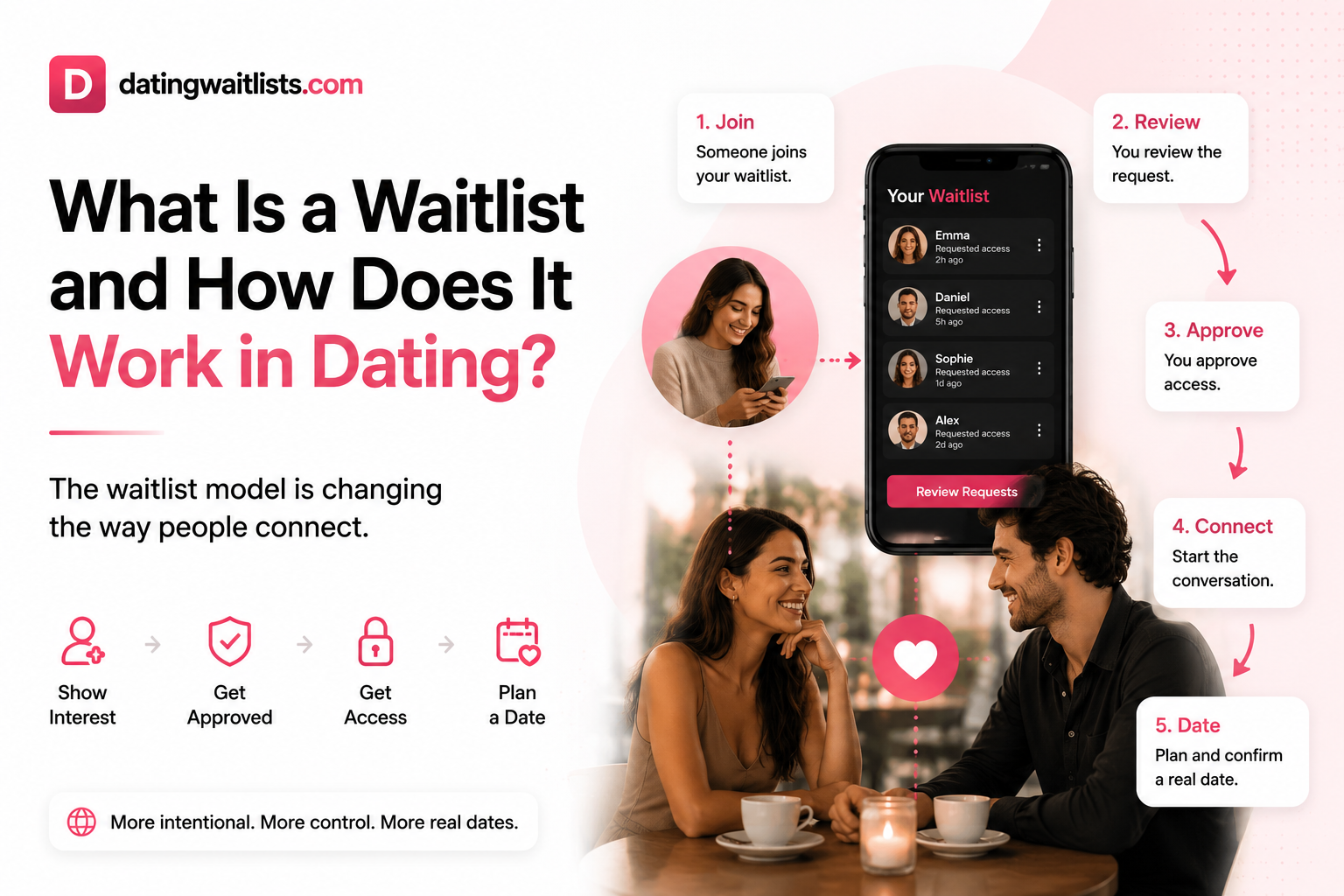
New to the idea? Start with the guide what is a dating waitlist. This article skips the definition and walks through what actually happens, step by step, from the moment you find someone's profile to the moment you meet in person.
The short version
- Find a profile you like.
- Verify you are a real adult.
- Send a join request with a short message.
- Wait for the owner to review it.
- Get approved (or not).
- Plan the date together.
- Meet safely.
Below is what each step looks like from both sides: the person joining, and the person who owns the waitlist.
Step 1: Find a profile
Most people land on a dating waitlist through a link: an Instagram bio, a TikTok profile, a group chat, or a short code someone shared in person. You can also browse and search public waitlists on DatingWaitlists.
Owner side: nothing happens yet. Visitors can read your public profile, but they cannot message you.
Step 2: Verify you are a real adult
Before you can join anyone's list, you confirm your identity with a quick 18+ ID and selfie check. It takes a couple of minutes and is done once.
Why it matters: the owner knows every request comes from a verified, real person, not a bot or a fake account.
Step 3: Send a join request
You tap join and write a short message (up to 500 characters). Some waitlists are private and ask for an access code the owner shared with you.
A good message is specific: where you know them from, or what caught your attention on their profile. "Hey" rarely gets approved.
Step 4: The owner reviews
The owner sees your request, your profile, and your message. For each request they can:
- Approve it and give you access.
- Hide it quietly.
- Block the person entirely.
There is no pressure to answer fast, and no public "seen" signal. This is the step that removes DM overload: nobody reaches the owner without passing review.
Step 5: Approval and access
Once approved, you can see more of their profile and start a conversation. If the owner marks themselves available later, everyone approved on their list is notified.
If you are not approved, nothing awkward happens. You simply do not get access.
Step 6: Plan the date
Instead of endless chatting, either person can propose a real date with a Date Form: when, where, and what kind of plan. The other person accepts, suggests changes, or declines.
Nothing about your location is shared before a date is accepted.
Step 7: Meet safely
On the day, safety features help both people: confirmed plans, optional live location sharing only during the date, and a QR check-in at the meeting point. Either person can end sharing at any time.
What the owner controls at every step
- Who can see the full profile.
- Who can join (open list, access code, or closed).
- Who gets approved, hidden, or blocked.
- When they are available.
Common mistakes
- Joining with an empty message. Owners approve people who give context.
- Sharing your link only once. Put it where people already look: your bio.
- Leaving your status unchanged. Update it when you are actually ready to date, so your list gets notified.
Ready to try it?
Create your dating waitlist for free, or read how to make a dating waitlist for tips on your profile.
FAQ
How long does the whole process take?
Verification takes a few minutes and happens once. After that, it depends on the owner: some review requests the same day, others wait until they are ready to date.
Can I join more than one waitlist?
Yes. Free accounts have a daily limit; Premium raises it.
Do I need an access code?
Only for private waitlists. Open lists can be joined without one.
What happens if my request is not approved?
Nothing public. You simply do not get access, and the owner is not shown as having rejected you.
Is my location shared when I join?
No. Location is only used after a date is accepted, and only if you choose to share it.